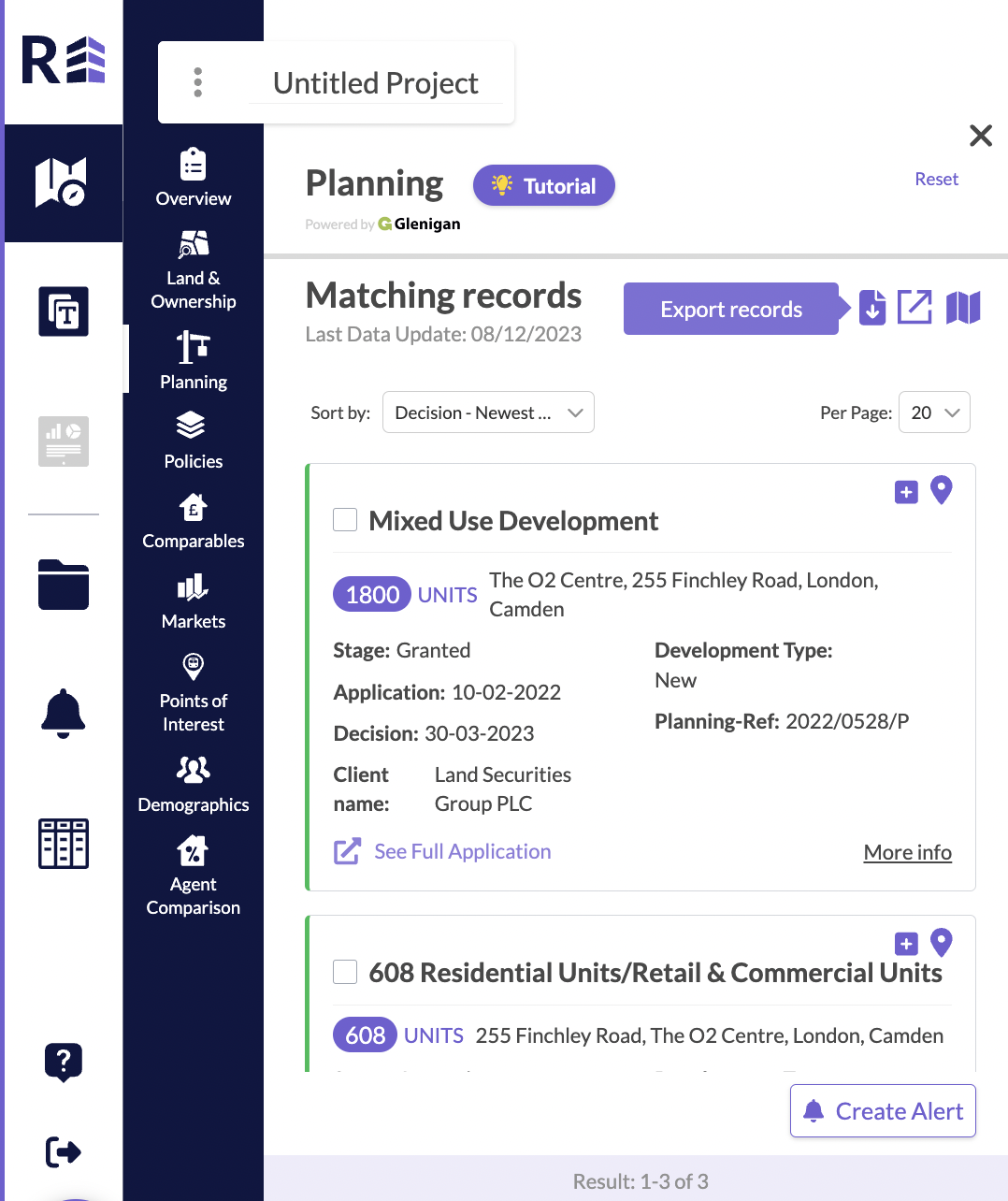
Once you’ve created a planning search and have a series of matching records in the left hand panel, you can hit the downward pointing arrow icon, this will download your results as a CSV file to an excel document. You will find this download within your Downloads folder on your PC.
Was this article helpful?
That’s Great!
Thank you for your feedback
Sorry! We couldn't be helpful
Thank you for your feedback
Feedback sent
We appreciate your effort and will try to fix the article