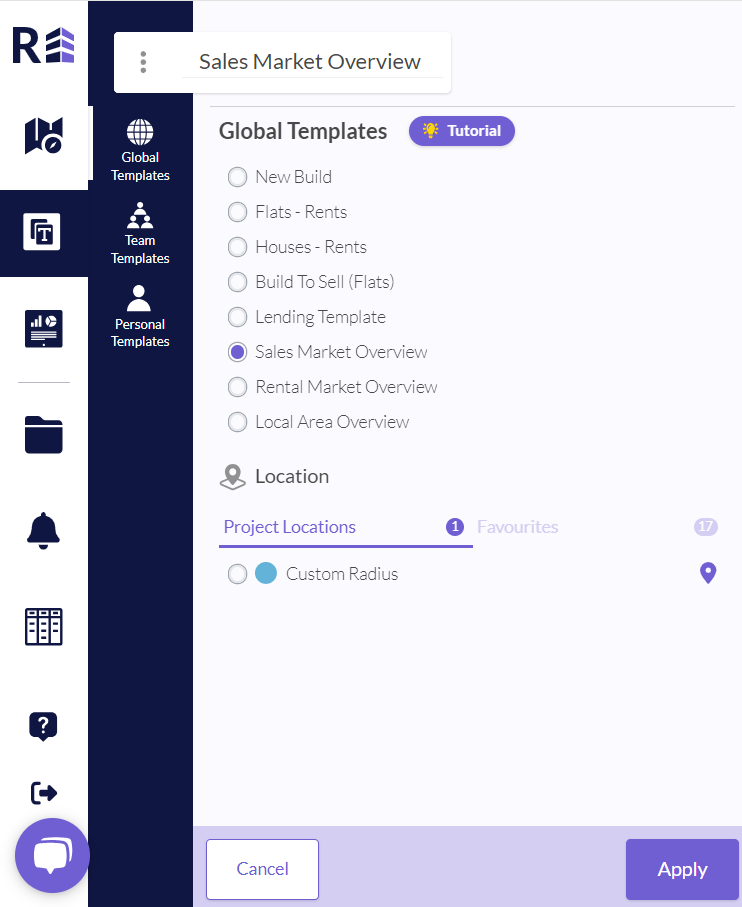
Templates can be found below the explore icon in the navigation panel. Within this section there are three different types of templates you can access:
- Global: these are created by the REalyse team and offer a variety of comprehensive reports on key areas e.g. Build to Sell
- Team: this is a custom report created by you which can be shared with anyone in your organisation that has a REalyse log in
- Personal: this is a custom report created by you which can be accessed at any time in the personal templates section
Was this article helpful?
That’s Great!
Thank you for your feedback
Sorry! We couldn't be helpful
Thank you for your feedback
Feedback sent
We appreciate your effort and will try to fix the article