You are able to edit your location whether this is saved or not to your project. To do this, you hit the edit button within the location section. You will then be able to Rename, Resize or Move your required location and then hit save to lock this in.
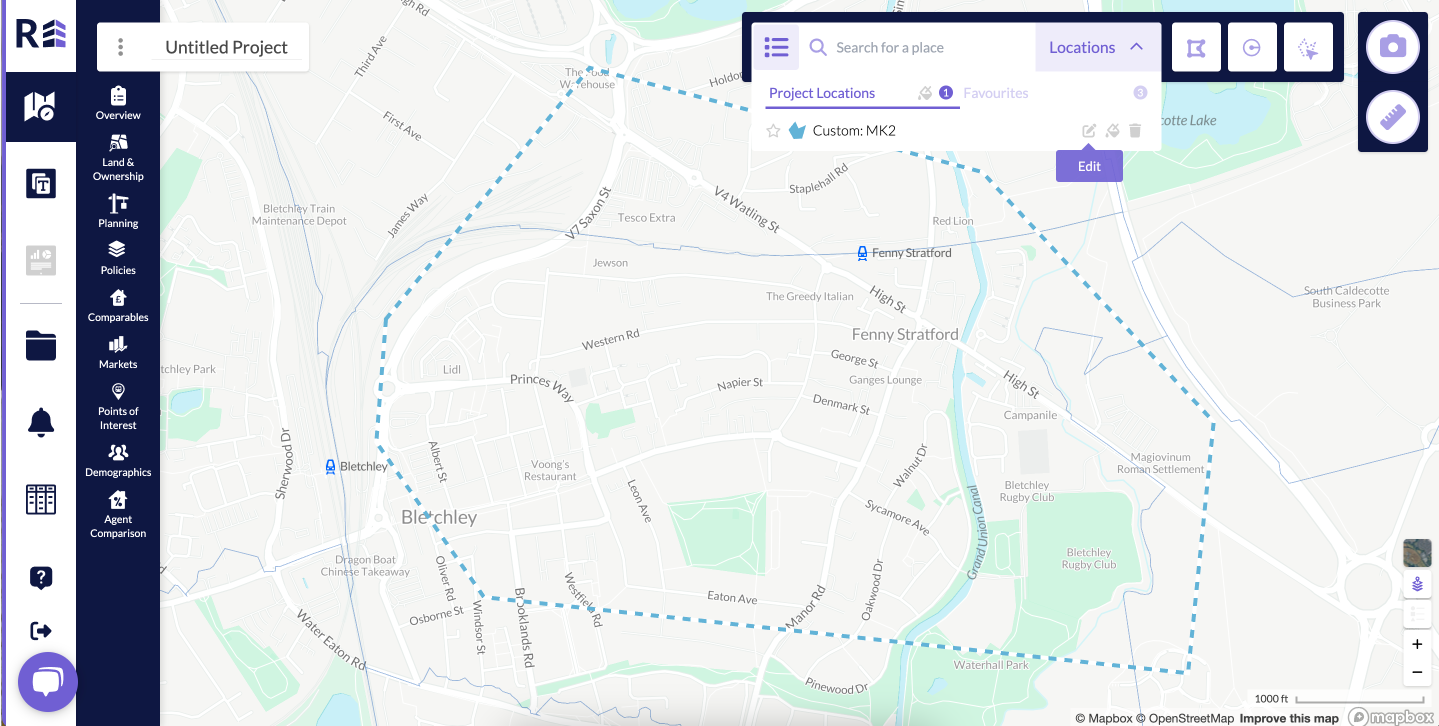 Image: Edit button is available next to the location name
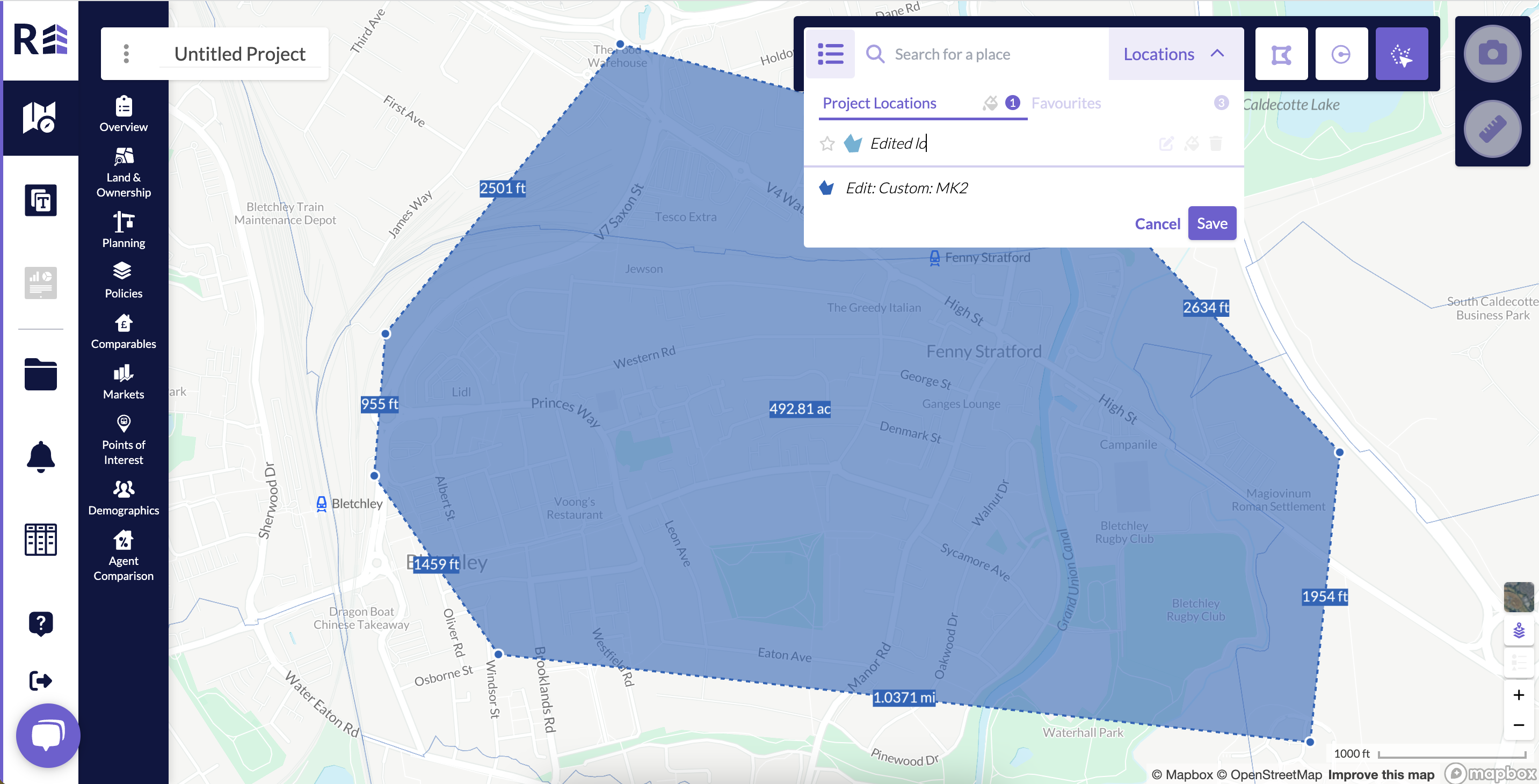
Image: The default location can be renamed by clicking on the default location text
Was this article helpful?
That’s Great!
Thank you for your feedback
Sorry! We couldn't be helpful
Thank you for your feedback
Feedback sent
We appreciate your effort and will try to fix the article