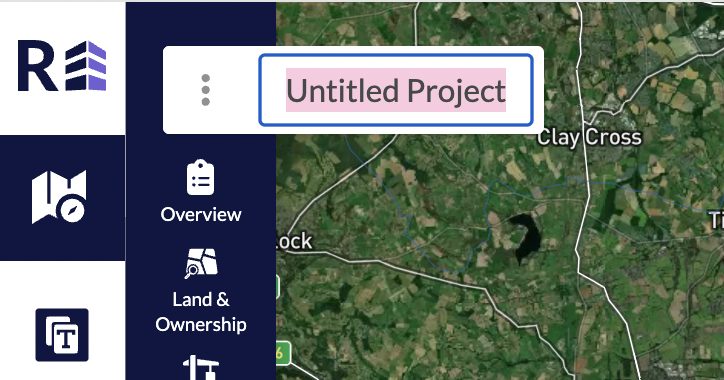
Projects always begin untitled. In order to edit and name your project, click into the white text box in the top left hand corner which contains the text “untitled project”, from here you can delete and add in your own name for the project. Please note, forgetting to re-name your project will not result in your project being lost, it will just saved as “untitled”.
Was this article helpful?
That’s Great!
Thank you for your feedback
Sorry! We couldn't be helpful
Thank you for your feedback
Feedback sent
We appreciate your effort and will try to fix the article