The layering and legends panel are found in the bottom right corner of the platform and can be used to help identify, structure and clear the data throughout your search.
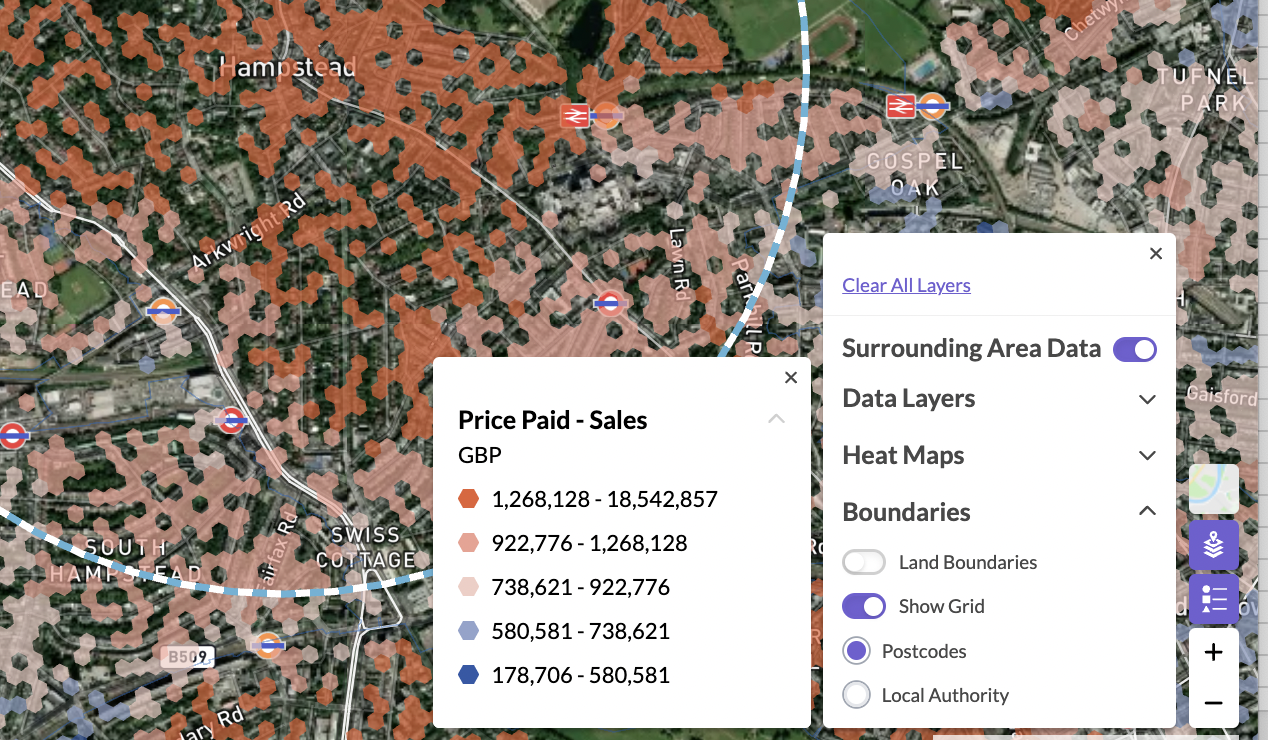
Layers: this is used to toggle on and off data layers across sections of the platform, depending on how you’d like to visualise your search. This is also where you can clear the map back to the original settings but layers can always be turned back on at any point. At the top of this modal is the option to include surrounding area data, by toggling this on you will see data visualised outside of your search on the map but this will not display in list form when records appear - these will need to be added manually to the dashboard.
Legends: this is used to help identify and understand the different colours and shapes applied to the map as you add in different elements.
Was this article helpful?
That’s Great!
Thank you for your feedback
Sorry! We couldn't be helpful
Thank you for your feedback
Feedback sent
We appreciate your effort and will try to fix the article